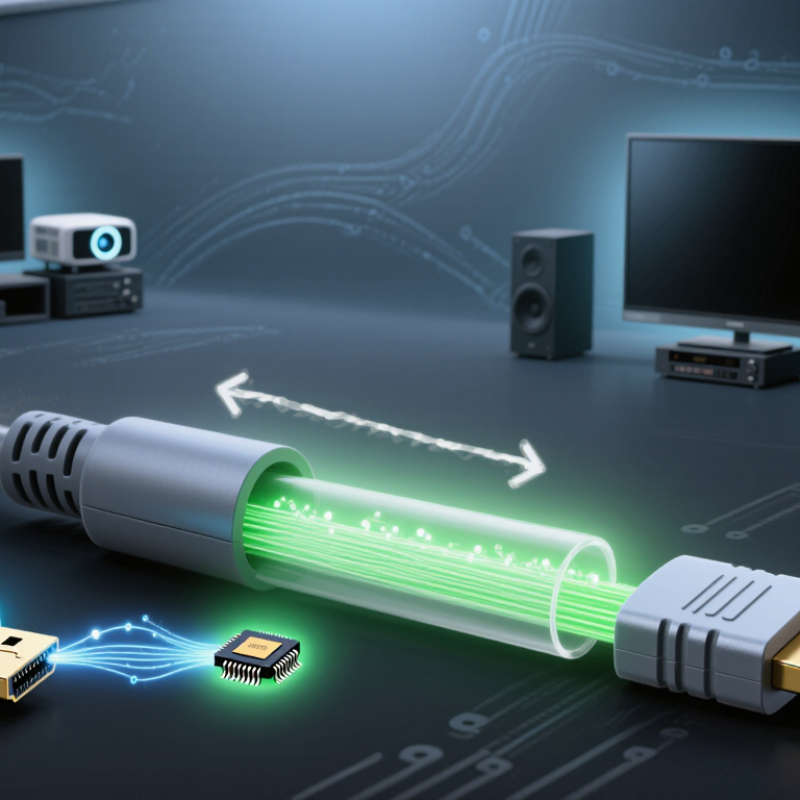
| Basic Definition | An active HDMI cable that uses optical fiber to carry high-speed video and audio data over long distances. | A passive or active cable that carries HDMI electrical signals through copper conductors. | Fiber HDMI cables normally include electronic components inside one or both connectors. |
| Signal Form Inside the Cable | HDMI electrical data is converted into optical pulses, transmitted as light, and converted back into electrical data at the display end. | The HDMI data remains in electrical form throughout the cable. | Optical transmission reduces the effect of electromagnetic interference on the signal path. |
| Conversion Process | Electrical HDMI signal → electrical-to-optical conversion → light transmission → optical-to-electrical conversion → display output. | Source device → copper conductors → display device, with no optical conversion. | The conversion is performed by transceiver circuitry integrated into the cable assembly. |
| Common Fiber Type | Usually uses multimode optical fiber for short- to medium-distance consumer and professional installations. | Uses copper conductors, commonly arranged as twisted pairs for high-speed differential signaling. | The actual fiber type and construction vary by cable design and rated performance. |
| Typical Long-Distance Advantage | Can maintain high-speed HDMI signals over distances that may be difficult for passive copper cables. | Performance generally decreases as cable length increases, especially at higher resolutions and refresh rates. | Maximum reliable distance depends on resolution, refresh rate, cable design, source, and display quality. |
| Electromagnetic Interference | Highly resistant to electromagnetic interference because information is carried as light through dielectric fiber. | More susceptible to interference and signal loss if shielding, construction, or installation conditions are inadequate. | Fiber does not conduct electrical current along the optical path. |
| Bandwidth Reference | Can be designed for HDMI data rates such as 10.2 Gbit/s, 18 Gbit/s, or 48 Gbit/s, depending on its certification and electronics. | Can also support these data rates when the cable is properly designed and sufficiently short for the application. | HDMI 1.4 is associated with up to 10.2 Gbit/s, HDMI 2.0 with up to 18 Gbit/s, and HDMI 2.1 with up to 48 Gbit/s. |
| Resolution Examples | May support formats such as 4K at 60 Hz or 4K at 120 Hz when the cable is rated for the required data rate. | May support the same formats, but practical distance limits can be more restrictive. | Resolution alone is not enough to determine compatibility; refresh rate, color depth, chroma format, and compression also matter. |
| Power Requirement | Usually draws limited power from the HDMI source through the connector. Some specialized installations may require additional power. | Passive cables normally do not require separate power. | Power behavior can vary, so the cable should be installed according to its technical documentation. |
| Directionality | Often directional because the source-end and display-end electronics perform different functions. | Many passive copper HDMI cables are non-directional, although some active designs are directional. | Directional fiber cables must be connected with the source and display ends correctly oriented. |
| Connector Type | Commonly uses standard HDMI connectors with optical conversion components built into the connector housings. | Commonly uses standard HDMI connectors attached directly to copper conductors. | The connector shape does not by itself indicate the cable's supported HDMI features. |
| Latency | Introduces a very small processing delay during electrical-to-optical and optical-to-electrical conversion. | Passive cables introduce no comparable signal-conversion delay. | For normal audiovisual use, the conversion delay is generally negligible, but specifications should be checked for specialized applications. |
| Audio Transmission | Can carry HDMI audio formats supported by the cable, source, display, and connected audio equipment. | Can also carry HDMI audio formats supported by the complete system. | Audio capability depends on the HDMI feature set and device compatibility, not only on the use of fiber. |
| Installation Considerations | Requires attention to cable direction, minimum bend radius, connector protection, and avoiding excessive pulling force. | Requires attention to bend radius, connector strain, shielding, and avoiding damage to the copper conductors. | Optical fiber can be sensitive to sharp bends and physical stress even when the outer jacket appears durable. |
| Best-Suited Applications | Long cable runs, large venues, control rooms, home theater installations, conference spaces, and electrically noisy environments. | Short equipment connections, desktop systems, wall-mounted displays, and installations where distance and interference are limited. | The most suitable cable depends on the required signal format, distance, environment, and installation route. |